How to Sign-Up for Tether RE (SPAAR REALTOR® and Affiliate Members)
Tether RE sign-up happens in two phases:
Phase 1:
Subscribe through SPAAR’s member portal
Phase 2:
Activate your Tether RE account from the email you’ll receive
Below is the exact step-by-step flow referenced during the SPAAR x Tether webinar.
Phase 1 — Subscribe through the SPAAR Member Portal
You’ll need for Phase 1: SPAAR portal login + payment card.
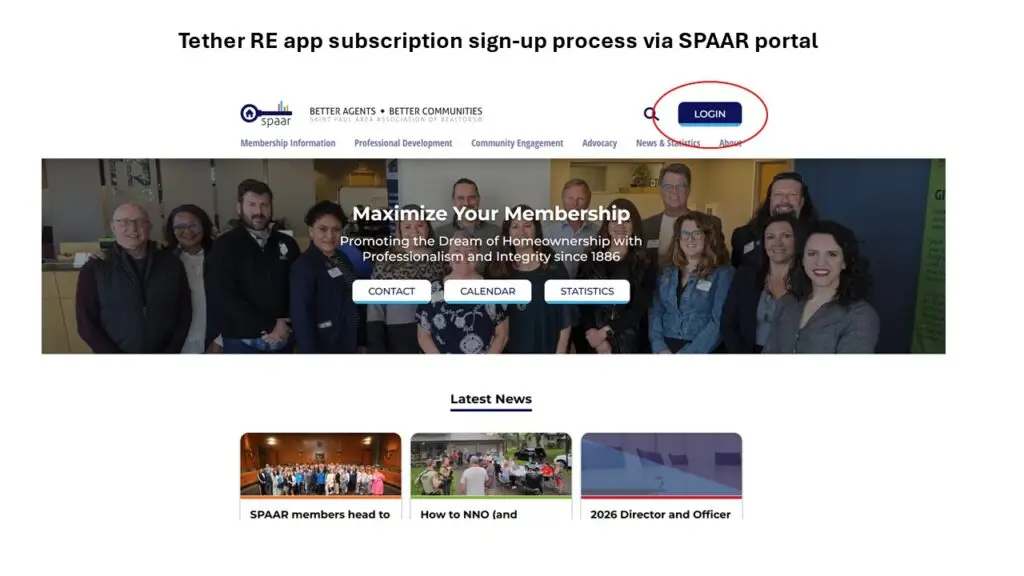
1 – Go to spaar.com and click “Login” (top right). Sign in with your SPAAR credentials.
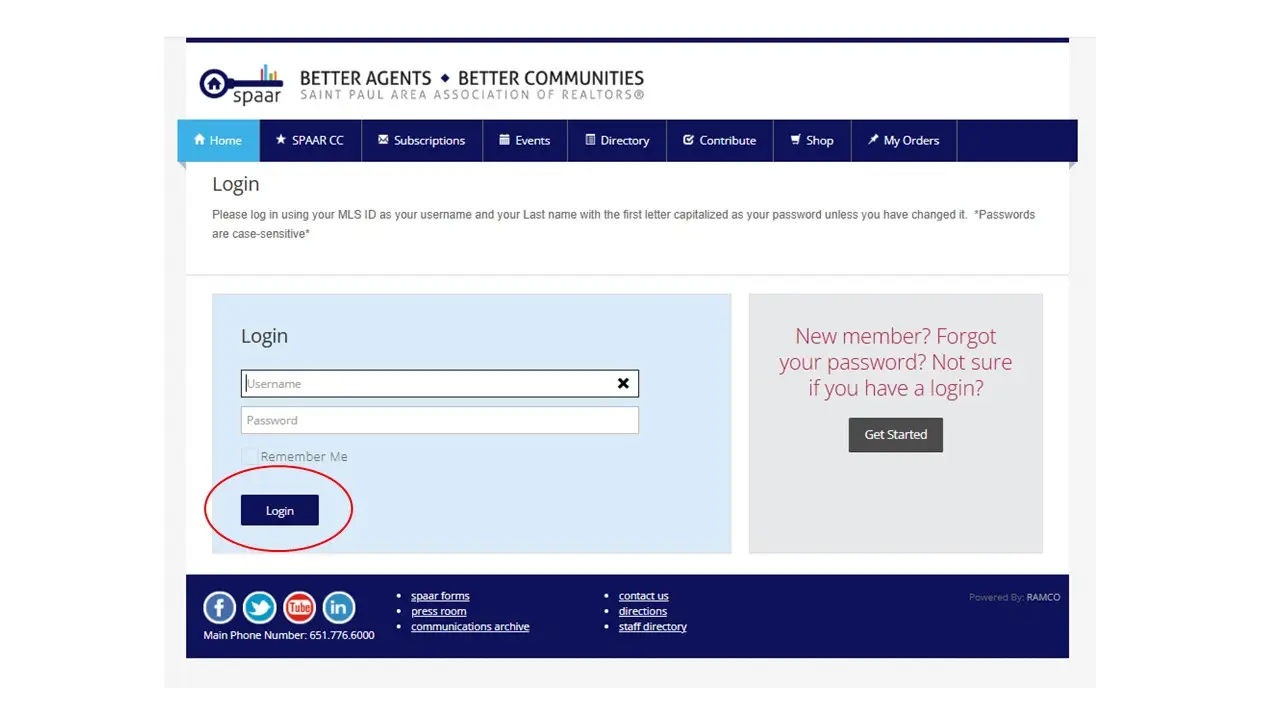
2 – You’ll land on your portal home/profile. Click “Subscriptions” located on the navigation bar.
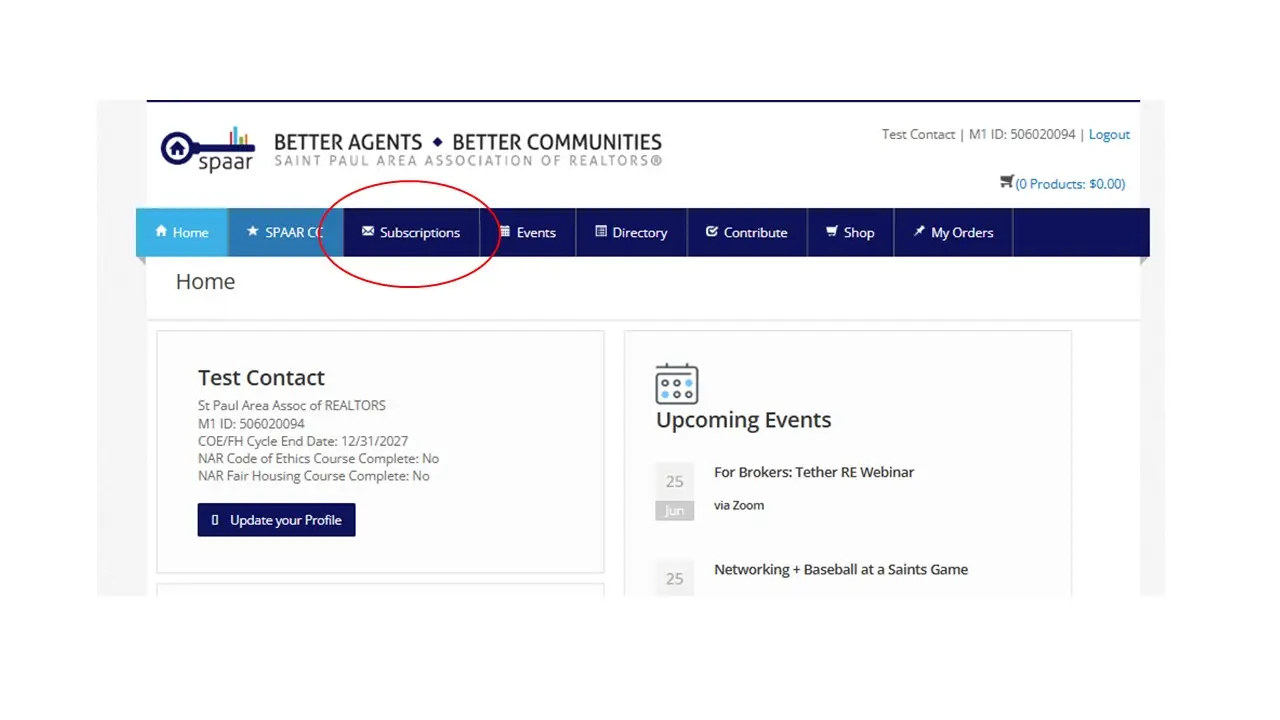
Then select “Tether RE” app tile and click Details.

3 – Click Subscribe Now on the Tether RE tile.

4 – Review your Summary page, then click Pay Now.

5 – Enter your credit card and complete payment (you’ll see a payment review step before submitting).
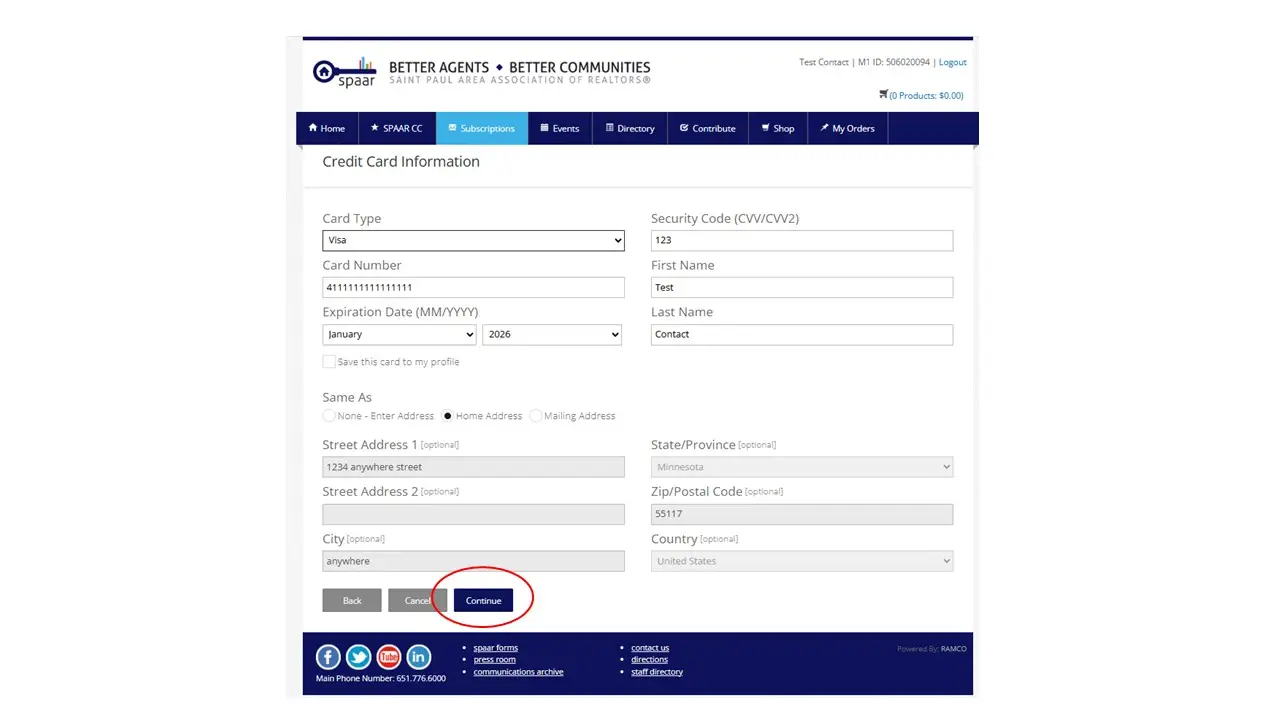
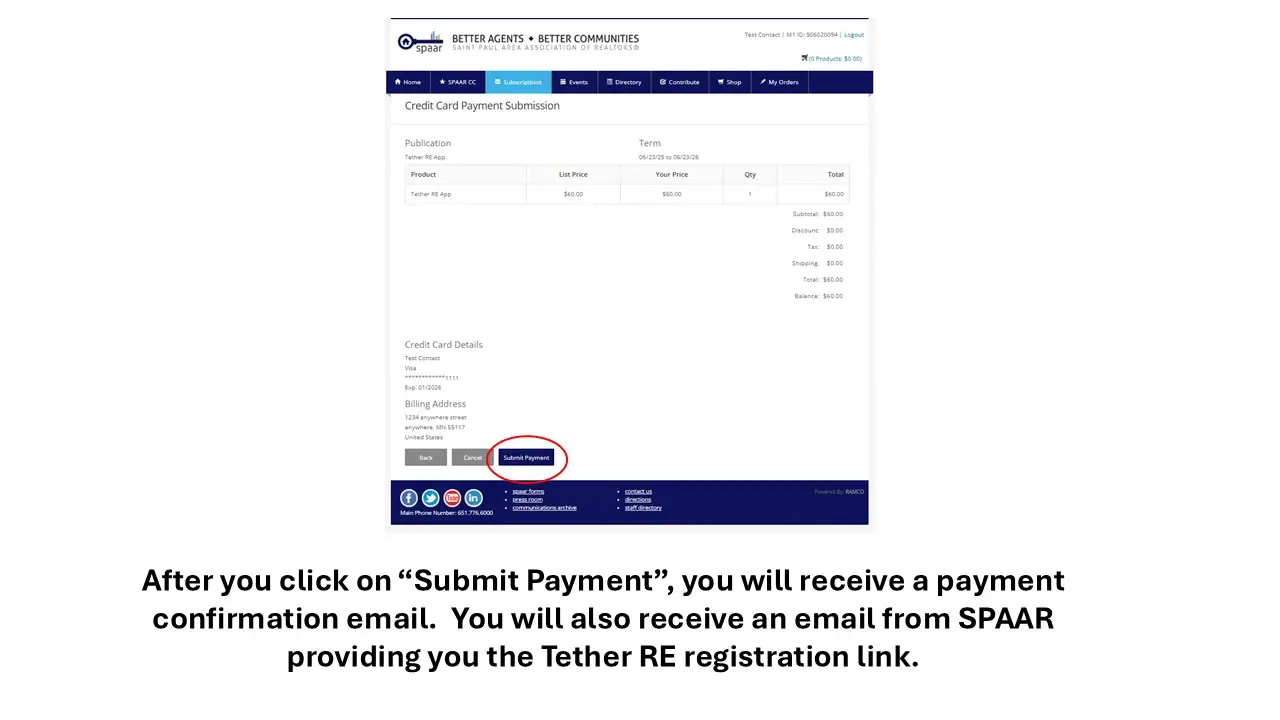
6 – You’ll receive a payment confirmation email from SPAAR, followed by a Tether RE registration email with your activation link shortly after (typically within ~15 minutes).
Phase 2 — Activate Your Tether RE Account (from the email)
You’ll need for Phase 2:
Access to your email, your mobile phone (for the code), names/phones for emergency contacts, and your chosen PIN.
1 – Open the Tether RE email and click the registration/activation link.
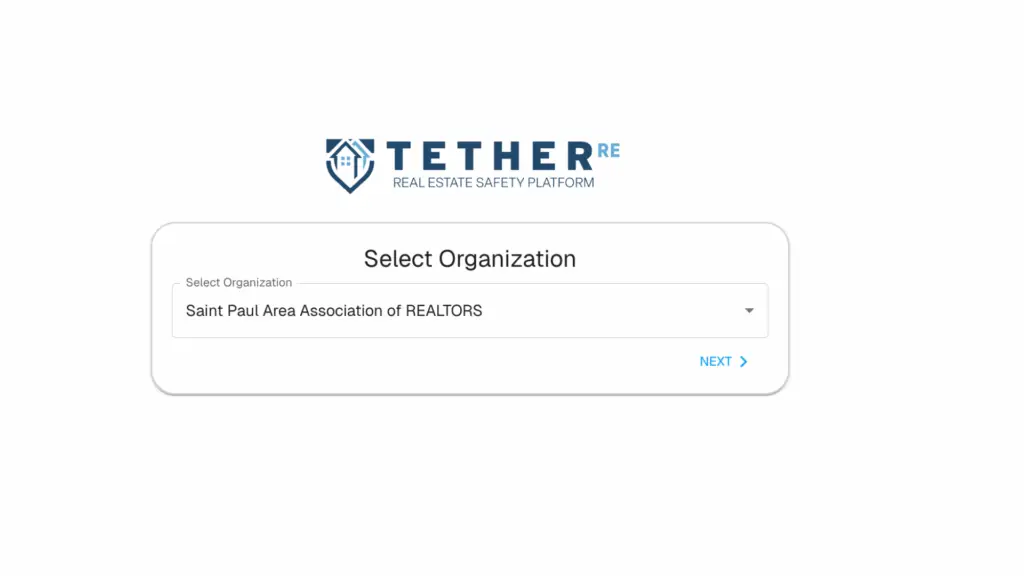
2 – You will be taken to a “Select Organization” screen with SPAAR as the organization selected. Hit Next.
3 – Enter your NRDS/M1 number and hit Submit.

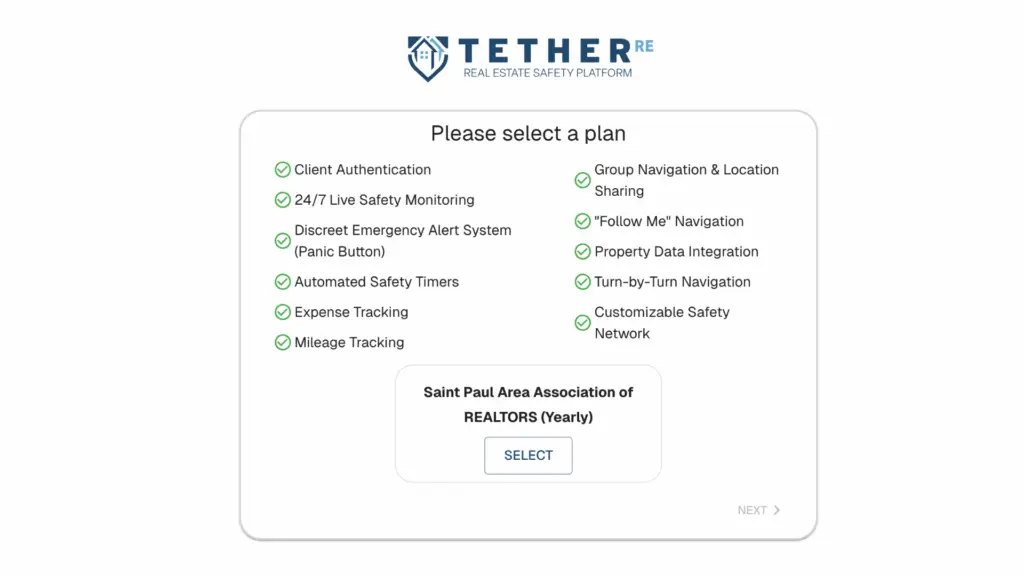
4 – On the next screen, hit Select and then Next.
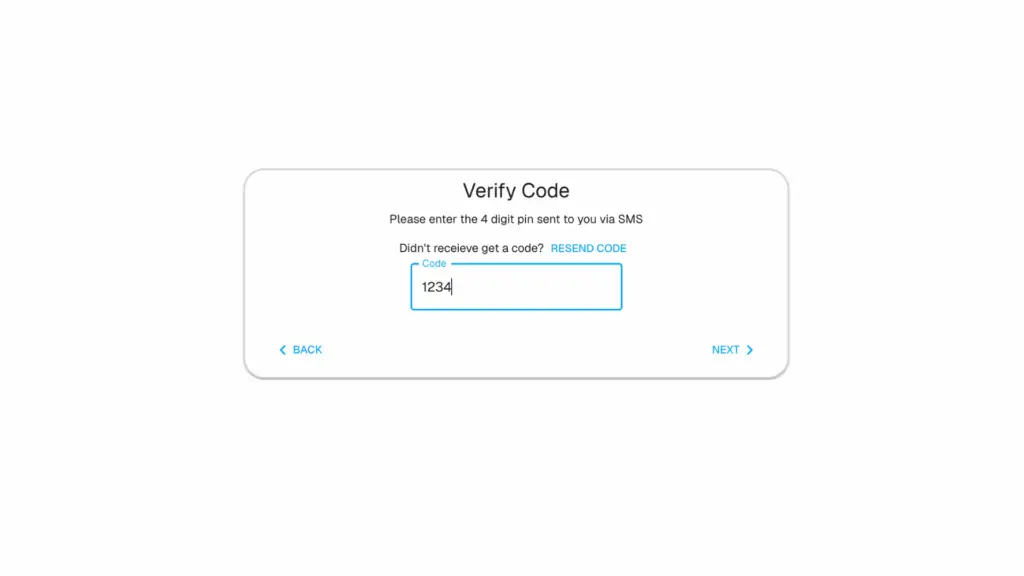
5 – Enter basic info: first & last name, address, email, mobile number, and set a password.

Enter the verification code sent to your phone to confirm it’s you.
5 – Accept the Terms & Conditions.

6 – Add at least one Emergency Contact (you can add more later).

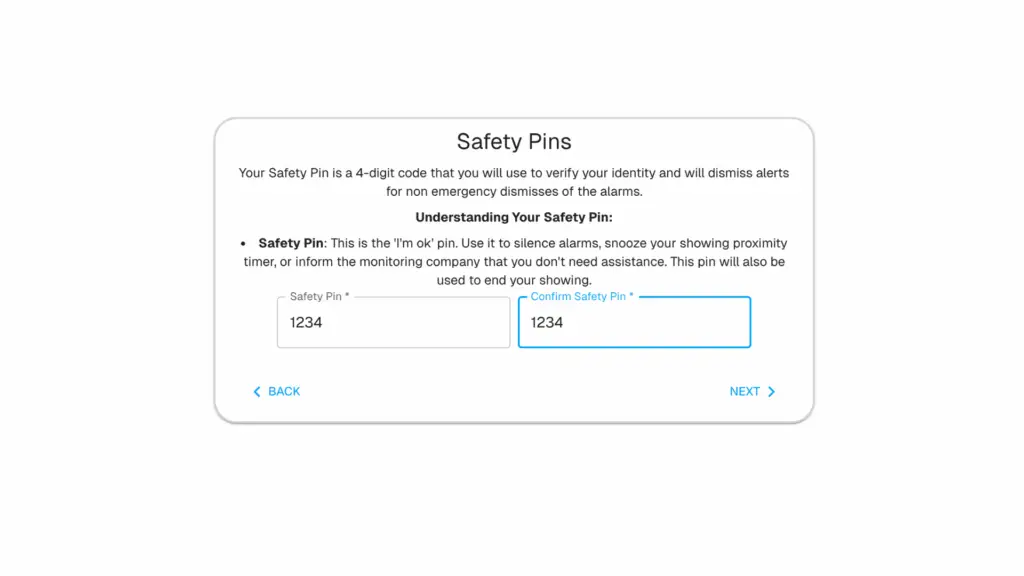
7 – Create your 4-digit Safety PIN (choose one you’ll remember).
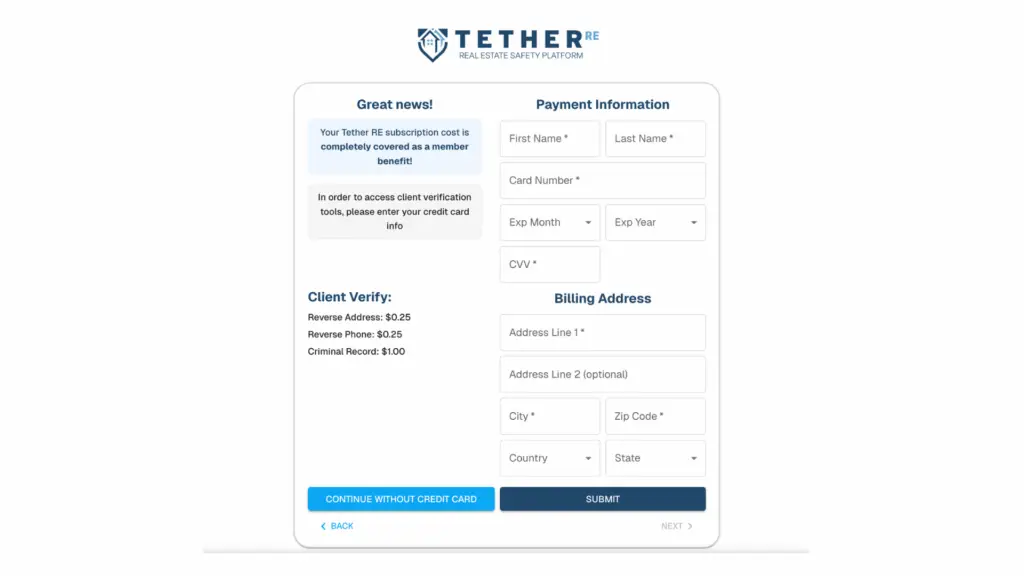
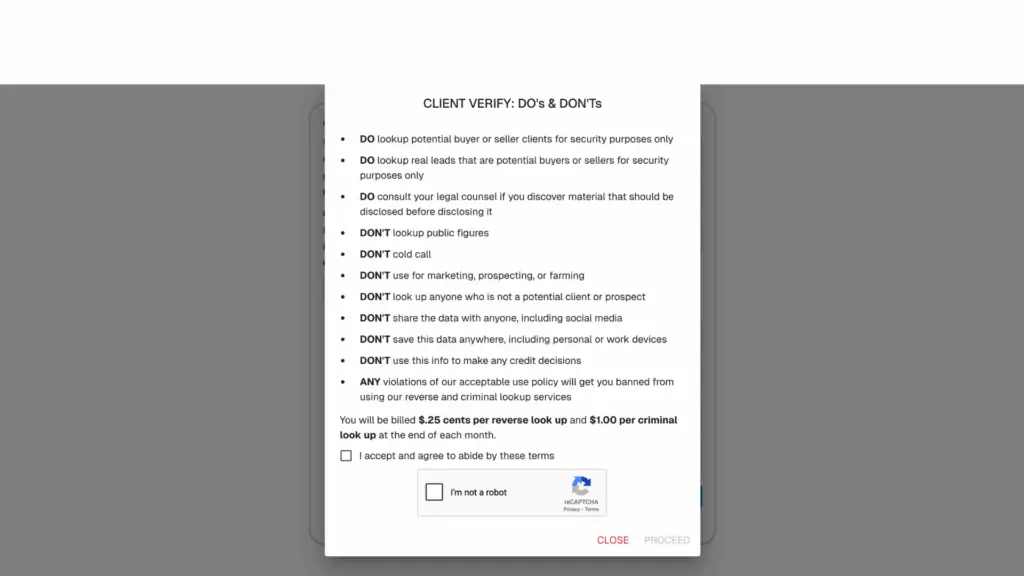
(Optional) Add a card on file for paid lookups; you can also do this later when you run your first lookup.
8 – Download the Tether app (via the link/QR) and log in with the credentials you just created.
All other steps must be completed prior to downloading and logging into the app.
